

This is where Studio stops being software.
The quiz, the walk, the song, the chat in the corridor. Studio makes the hours easier to run and easier to share.
Live it.
This is the part of the day no software can do. Studio’s job is to make it easier to run and to keep everyone in the picture.
The What’s On screen shows the day’s programme around the home. Where a home switches on the family portal, relatives can follow along and send photos, videos and notes.
The tools for the hours themselves.
- 01
Group sessions and one-to-ones
Run the planned programme, or record something unplanned as it happens.
- 02
Live games and bingo, between homes
Games the whole home can join, and other homes too.
- 03
Digital reception sign-in
Visitors sign in at reception, so a visit can count in the resident’s day.
- 04
The What’s On screen
The day’s programme on a screen anyone can read.
- 05
Family Window
Where a home switches it on, relatives follow their person’s week: sessions, moments and photos.
Running a session, live.
IN STUDIO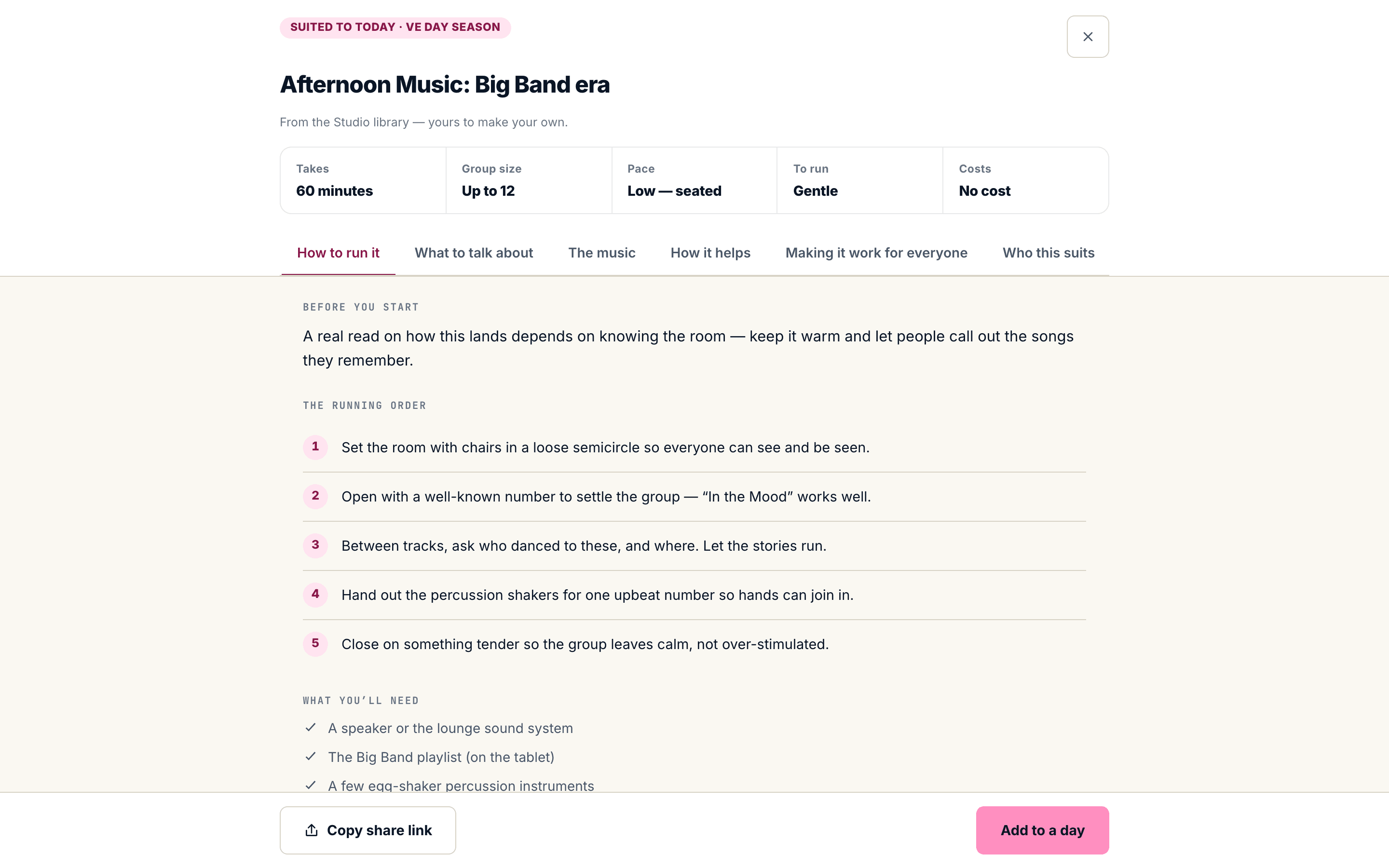
Good care is not good enough. There’s got to be more to life than that.”
Every home counts its activities. Very few can say what they did.
Book a 30-minute walkthrough. Bring one of your homes in mind and we’ll show you what its Living Hours could show.